




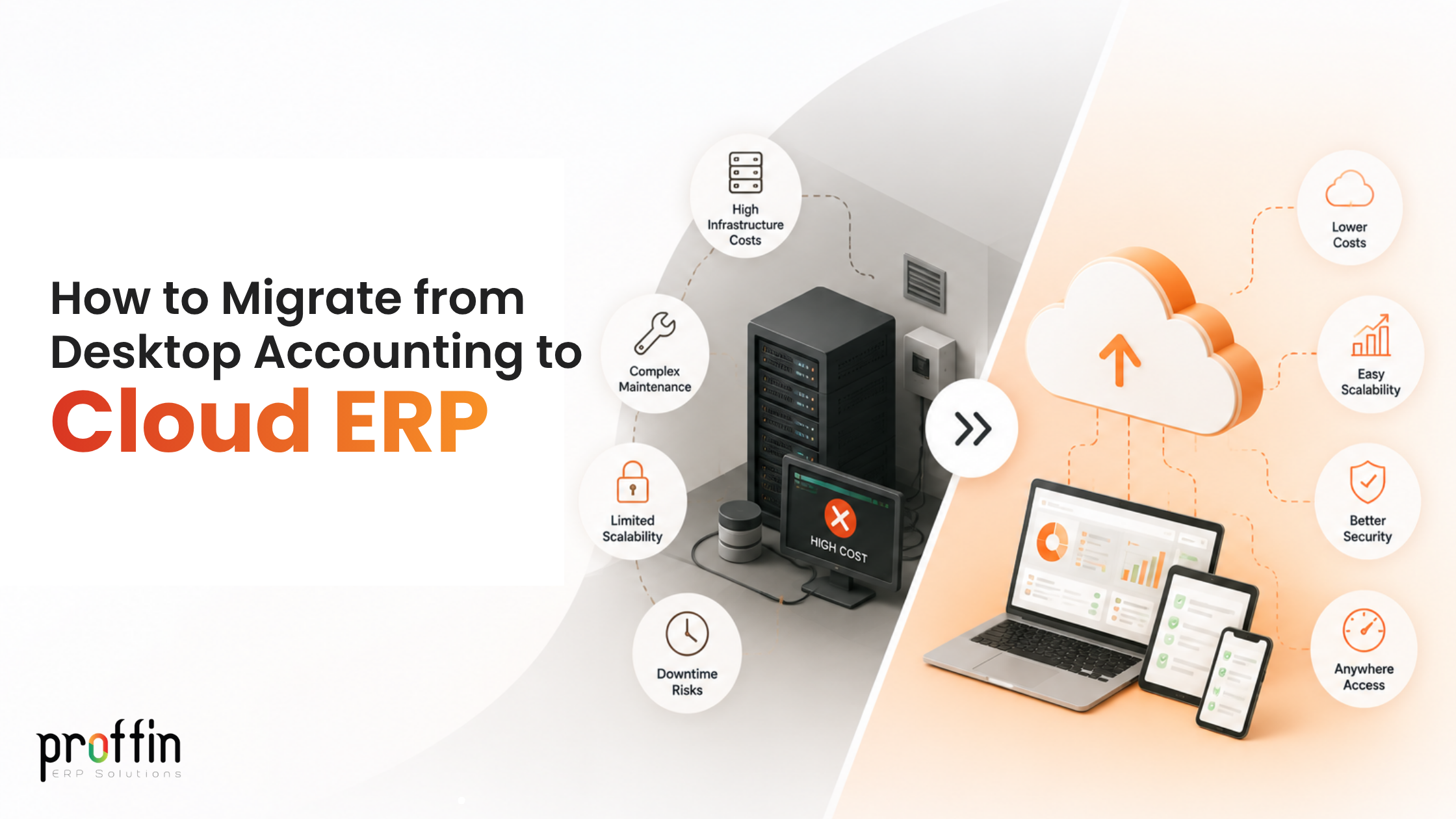
Moving from a desktop program to a cloud ERP software in India is a big step for any growing organization.
When you want to streamline your operations and use the GST accounting software in India making the switch to a system can completely change how you handle your daily work.
Traditional desktop tools lock your files onto an office computer making it hard to see what is happening when you are away from the office.
Upgrading to a web-based setup lets you keep your finances, inventory and taxes connected in one place.
This makes it easy to manage your business.
Why Businesses Are Switching to Cloud ERP
- Old desktop software often feels slow and limited.
- Companies are moving toward an Cloud ERP software in India because it removes the need for expensive office servers and manual updates.
- With an erp platform your team can check inventory view sales and handle billing from anywhere.
- The GST accounting software in India makes tax season much easier by calculating rates and syncing your records without extra paperwork.
Getting Ready for the Move
Before you transfer any files you need a plan.
Start by looking at your desktop data to see what you actually need to keep.
Clean up entries so you do not move unnecessary clutter into your new system.
Train your team on how the cloud ERP software in India works.
The cloud ERP software in India gives you a slate to organize your customer lists, item codes and opening balances properly.
Steps to Move Your Data Safely
Moving your numbers requires attention.
First export your master data, such as customer names, supplier details, chart of accounts and product lists from your desktop software into files like spreadsheets.
Next import these files into your cloud ERP software in India in an order starting with basic accounts before moving on to open invoices and stock counts.
The GST accounting software in India features help you verify that your tax categories, HSN codes and ledger totals match up correctly before going
Common Challenges During Migration
Change is rarely completely free of bumps.
Some common hurdles include data mismatch errors, formatting issues between files and team members who are used to the old desktop layout.
If you do not map your tax rates or inventory units correctly your reports might look off at first.
Anticipating these roadblocks allows you to fix formatting mistakes and keep your business running without unexpected downtime.
Tips for a Smooth Transition
To keep the process simple plan your migration during a period, such as the end of a week or the close of a month.
Keep your desktop software active in read- mode for a short time just in case you need to double-check an old historical record.
Communicate openly with your staff. Make sure everyone understands the new login steps and daily workflows.
This will make the overall shift feel natural and stress-free.
Getting the Most Out of Your New Cloud ERP
Once your data is safely moved, take time to explore the features of your system.
Set up automated reminders for pending customer payments connect your inventory levels to your sales invoices and let your system handle tax reports with a click.
The cloud ERP software in India lets you look at real-time dashboards of waiting weeks for end-of-month reports giving you clear insights to make smart business choices.
Why Proffin is Best for Your Business
When it comes to upgrading your operations Proffin stands out as the partner for your company.
Proffin acts as the GST accounting software in India while providing the connected power of a top-tier cloud ERP software in India.
Many business systems are overly complicated and hard to learn. Proffin combines advanced financial tools, automated tax calculations and inventory tracking into a platform that feels simple and easy to use every single day.
Proffin keeps all your data secure online and accessible from anywhere helping you save time reduce errors and focus completely on growing your business with the cloud ERP software in India and the GST accounting software in India, from Proffin.